
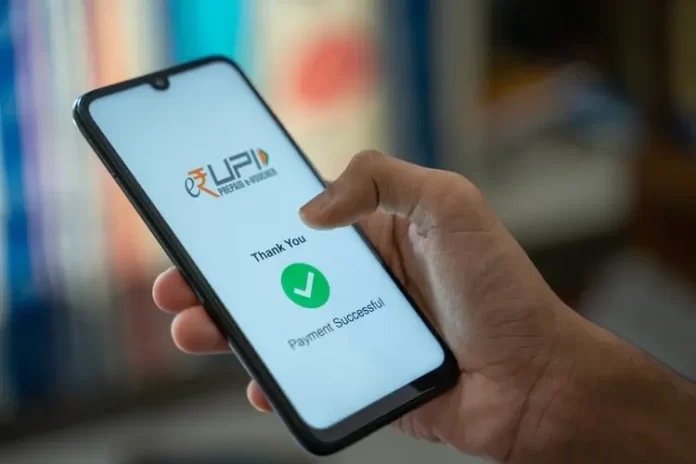
Tech Desk – Google has introduced the UPI Autopay payment option for subscription-based purchases on Google Play in India, it will allow its customers to buy subscription plans for apps available on Google Play and can set up automated payment options by using the feature.
With the Autopay option with UPI, users will be able to pay automatically for the renewed subscription to apps.
To use UPI payment options, users have to tap on the payment method in the cart and then select “Pay with UPI”. After this, approve the purchase in the supported UPI app.
How to buy a subscription plan using the UPI payment option?
Open the app in the google play you want to buy.
Now, click on the subscription plan and tap on check out.
Please note, users who purchase first time of any app from Google Pay will be asked to create a payment profile.
After this, continue the payment process with the UPI payment option.
Now, click on submit and your purchase is done.
UPI Autopay was introduced under UPI 2.0 by NPCI, it will help users make payments with any UPI-based app. It will automatically deduct the subscription amount and eliminate the risk of deactivation the subscription.
